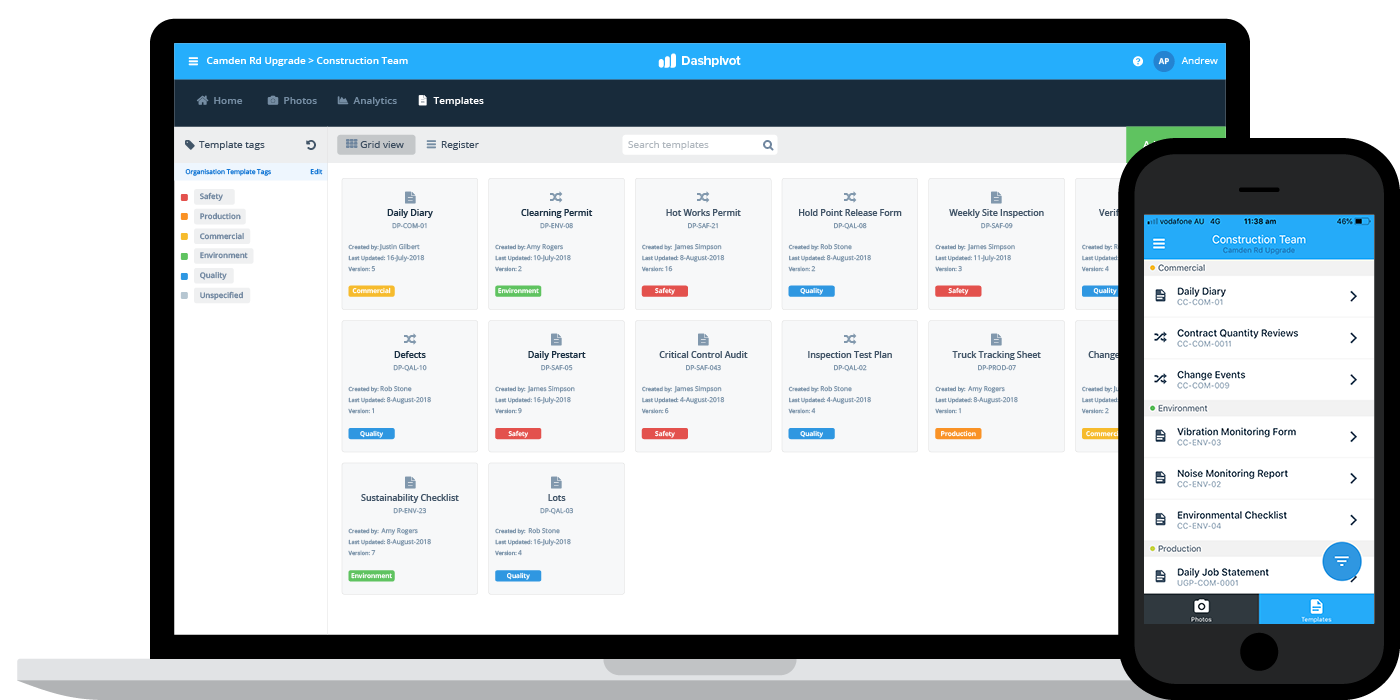
10 Essential Tips to Organize Your Digital Files
In today's digital age, having a well-organized file system is crucial for productivity and peace of mind. Here are 10 essential tips to help you organize your digital files effectively:
- Establish a logical folder hierarchy: Create main folders for broad categories, and subfolders for specifics. This structure promotes easier navigation.
- Use consistent naming conventions: Employ a systematic approach for naming your files, such as using dates or keywords for quick recognition.
- Regularly declutter: Set aside time to review and delete unnecessary files. This will prevent your digital space from becoming overwhelming.
- Utilize cloud storage: By using cloud services, you can access your files from anywhere and reduce the risk of losing important data.
- Implement tags and metadata: Tags can help categorize files further, making them easier to find during searches.
Continuing with our 10 essential tips, here are more strategies to streamline your digital files:
- Back up your files: Regular backups are vital to ensure you don't lose important documents and photos.
- Use file management software: Consider software options that offer tools to organize, search, and categorize your files efficiently.
- Limit your folders: Avoid creating too many folders that can complicate your file structure; instead, focus on clear, concise categories.
- Create a workflow: Develop a consistent routine for filing new documents and photos to maintain organization.
- Educate everyone involved: If you share files with others, ensure everyone follows the same organization system to keep things tidy.
How to Create a File Structure That Works for You
Creating a file structure that works for you is essential for maintaining organization and efficiency in both personal and professional environments. A well-defined structure helps you easily locate documents, avoid duplication, and streamline collaboration. Start by assessing your needs and identifying the main categories that best represent your projects or data. For instance, consider using a hierarchy that includes:
- Projects
- Clients
- Finance
- Research
Once you have established the primary categories, break them down further into subcategories. This hierarchical approach makes it easier to navigate your files and ensures a logical flow to the structure.
Consistency is the cornerstone of an effective file structure. Use a standardized naming convention for your files to enhance clarity and prevent confusion. For example, include dates and descriptive titles, such as YYYY-MM-DD_ProjectName_Version. Additionally, regular maintenance is important; review and reorganize your files periodically to keep your system up to date. Engaging in these practices ensures that your file structure not only meets your current needs but is flexible enough to adapt as those needs evolve.
Are You Drowning in Digital Clutter? Simple Steps to Reclaim Your Files
In today's fast-paced digital world, it's easy to feel overwhelmed by the sheer volume of files, documents, and media cluttering your devices. **Digital clutter** can lead to decreased productivity and increased stress, making it essential to take action. Start by assessing your current digital landscape: categorize your files into essential, non-essential, and duplicate files, then focus on the first group to ensure it’s easy to locate what you truly need.
After categorizing your files, implement some straightforward steps to effectively reclaim your digital space:
- Delete unnecessary files that you haven't accessed in months.
- Organize your essential files into themed folders for efficiency.
- Utilize cloud storage to free up local space while keeping access to important documents.
By following these simple steps, you can transform your digital chaos into a well-organized system, allowing you to work more efficiently and effectively.